







📘 संक्षिप्त विवरण (Short Description):
Education Care Institute द्वारा और Uday Chauhan एवं Research Team द्वारा संयुक्त रूप से तैयार यह MS PowerPoint eBook विद्यार्थियों के लिए Basic से Advanced तक की सम्पूर्ण प्रैक्टिस गाइड है। स्लाइड डिज़ाइन, एनीमेशन, ट्रांज़िशन और प्रेजेंटेशन बनाने की तकनीकें सरल हिन्दी में दी गयी हैं — अध्ययन और प्रोजेक्ट दोनों के लिए अत्यंत उपयोगी।
-18%Hot

0%


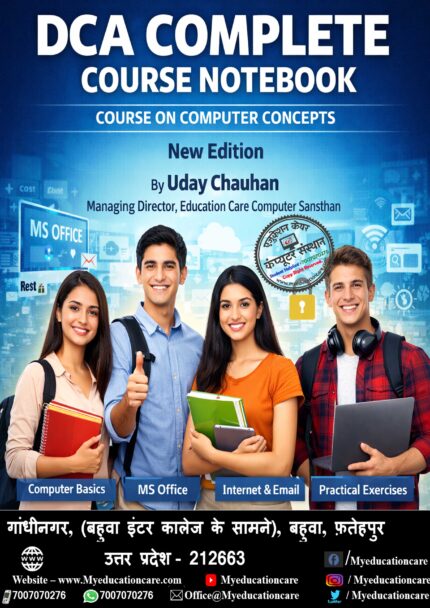
DCA Course Complete Ebook For Computer Learners
Original price was: ₹55.00.₹45.00Current price is: ₹45.00.
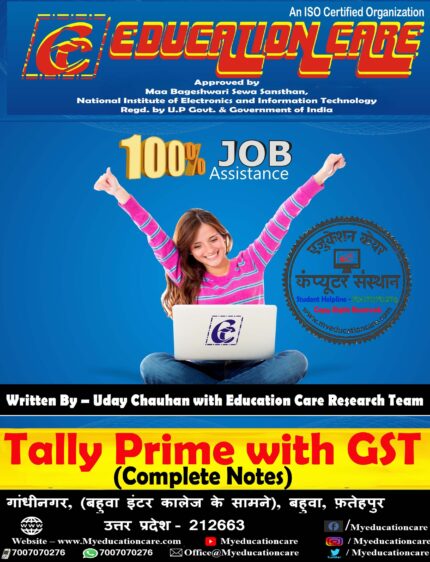
Tally Prime Notebook (Updated)
Original price was: ₹45.00.₹40.00Current price is: ₹40.00.
CCC Premimum Book (Updated Version)
Original price was: ₹55.00.₹45.00Current price is: ₹45.00.
“अब CCC परीक्षा होगी आसान!”
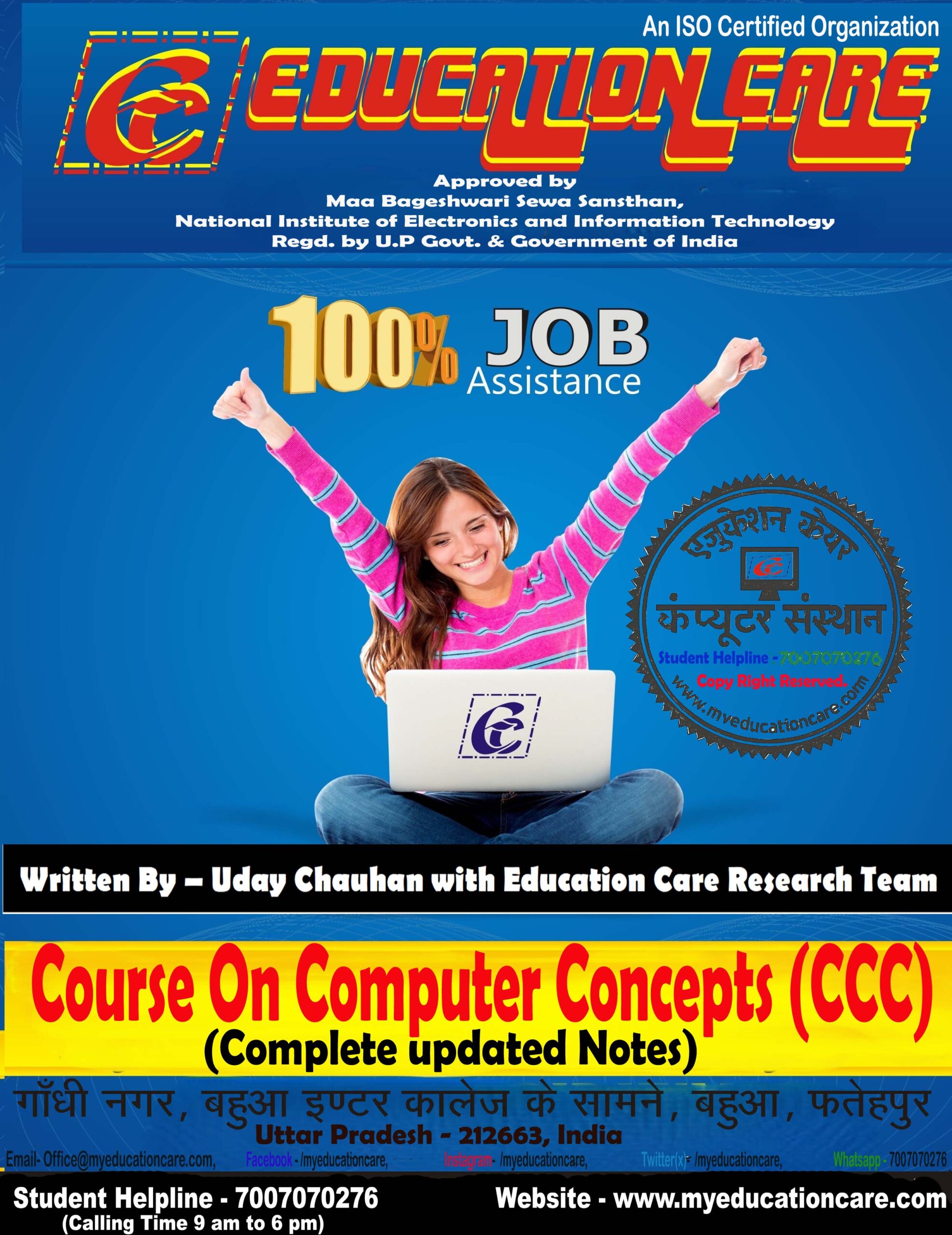
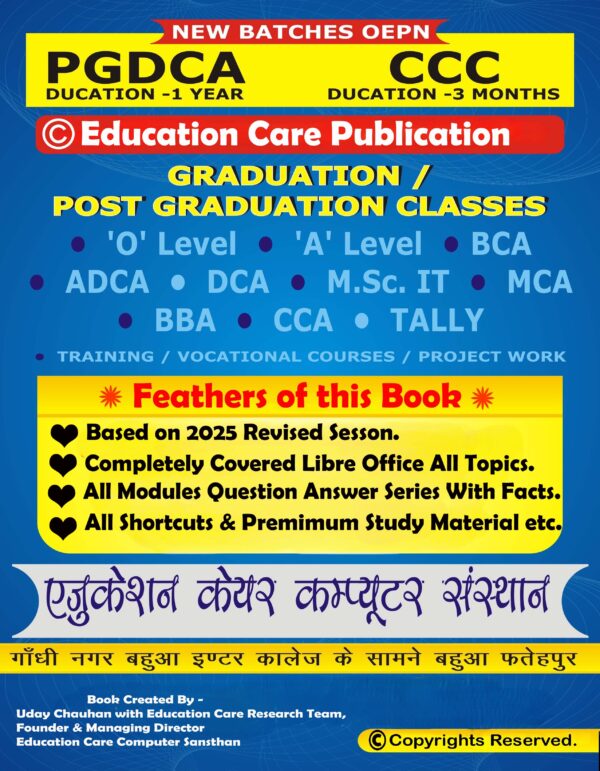
Uday Chauhan और Education Care Research Team द्वारा तैयार यह CCC eBook (2025 Edition) आपको दिलाएगी सफलता की गारंटी।
यह CCC eBook (Course on Computer Concepts), नए पैटर्न 2025 के अनुसार तैयार की गई है। इसमें CCC परीक्षा से जुड़ी संपूर्ण जानकारी, अध्यायवार विषय-वस्तु और नवीनतम सिलेबस के अनुरूप प्रश्नोत्तर संकलित किए गए हैं।
इस पुस्तक को Uday Chauhan और Education Care Research Team ने विशेष अनुभव के आधार पर तैयार किया है, ताकि विद्यार्थी आसानी से CCC परीक्षा में सफलता प्राप्त कर सकें।
Description
“अब CCC परीक्षा होगी आसान!”
Uday Chauhan और Education Care Research Team द्वारा तैयार यह CCC eBook (2026 Edition) आपको दिलाएगी सफलता की गारंटी।
पुस्तक का विवरण (Description)
यह CCC eBook (Course on Computer Concepts), नए पैटर्न 2026 के अनुसार तैयार की गई है। इसमें CCC परीक्षा से जुड़ी संपूर्ण जानकारी, अध्यायवार विषय-वस्तु और नवीनतम सिलेबस के अनुरूप प्रश्नोत्तर संकलित किए गए हैं।
इस पुस्तक को Uday Chauhan और Education Care Research Team ने विशेष अनुभव के आधार पर तैयार किया है, ताकि विद्यार्थी आसानी से CCC परीक्षा में सफलता प्राप्त कर सकें।
Chapters We Covered.
अध्याय 1: कंप्यूटर का परिचय (Introduction to Computer)
CPU, इनपुट/आउटपुट उपकरण (CPU, Input/Output Devices), मेमोरी एवं स्टोरेज (Memory & Storage), एप्लिकेशन, सिस्टम एवं यूटिलिटी सॉफ़्टवेयर (Application, System & Utility Software), ओपन सोर्स और प्रॉप्राइटरी सॉफ़्टवेयर (Open Source & Proprietary Software), मोबाइल ऐप्स (Mobile Apps)
अध्याय 2: ऑपरेटिंग सिस्टम का परिचय (Introduction to Operating System)
OS की आवश्यकता (Need of OS), डेस्कटॉप/लैपटॉप एवं मोबाइल OS (Desktop/Laptop & Mobile OS), यूज़र इंटरफ़ेस: टास्कबार, आइकॉन, शॉर्टकट (User Interface: Taskbar, Icons, Shortcuts), एप्लिकेशन चलाना (Running Applications), सेटिंग्स बदलना: तिथि/समय, डिस्प्ले (Changing Settings: Date/Time, Display), प्रोग्राम इंस्टॉल/अनइंस्टॉल (Installing/Uninstalling Programs), प्रिंटर सेट करना (Printer Settings), फ़ाइल एवं फोल्डर प्रबंधन (File & Folder Management), फ़ाइल एक्सटेंशन (File Extensions)
अध्याय 3: वर्ड प्रोसेसिंग (Word Processing)
नया दस्तावेज़ बनाना, सहेजना, बंद करना (Creating, Saving, Closing Documents), टेक्स्ट एडिटिंग व फॉर्मेटिंग (Text Editing & Formatting), पैराग्राफ एवं टेबल (Paragraphs & Tables), हेडर/फूटर व पेज सेटअप (Header/Footer & Page Setup), प्रिंटिंग व मेल मर्ज (Printing & Mail Merge), शॉर्टकट कीज़ (Shortcut Keys)
अध्याय 4: स्प्रेडशीट (Spreadsheet)
स्प्रेडशीट का परिचय (Introduction to Spreadsheet), सेल एड्रेसिंग व डेटा एंट्री (Cell Addressing & Data Entry), कट/कॉपी/पेस्ट, पेस्ट स्पेशल (Cut/Copy/Paste, Paste Special), पंक्ति/स्तंभ जोड़ना/हटाना (Inserting/Deleting Rows & Columns), सॉर्टिंग व फ़िल्टरिंग (Sorting & Filtering), फॉर्मूले (SUM, AVERAGE, MAX, MIN), चार्ट्स (Bar, Pie, Line Charts)
अध्याय 5: प्रस्तुति (Presentation)
नई प्रेज़ेंटेशन बनाना (Creating Presentation), स्लाइड जोड़ना/हटाना (Adding/Deleting Slides), मास्टर स्लाइड व ट्रांज़िशन (Master Slide & Transitions), टेक्स्ट, इमेज, ऑब्जेक्ट डालना (Inserting Text, Images, Objects), स्लाइड प्रिंटिंग (Slide Printing)
अध्याय 6: इंटरनेट एवं WWW (Internet & WWW)
कंप्यूटर नेटवर्क का परिचय (Introduction to Computer Networks: LAN, WAN), इंटरनेट व वेबसाइट एड्रेस (Internet & Website Address), URL, IP एड्रेस, ISP (URL, IP Address, ISP), इंटरनेट प्रोटोकॉल (Internet Protocols), कनेक्शन मोड: WiFi, LAN, Hotspot (Connection Modes), वेब ब्राउज़र व सर्च इंजन (Web Browser & Search Engine), वेब पेज डाउनलोड व प्रिंटिंग (Downloading & Printing Web Pages)
अध्याय 7: ई-मेल, सोशल नेटवर्किंग एवं ई-Governance (E-mail, Social Networking & e-Governance)
ईमेल खाता बनाना, मेल भेजना/प्रत्युत्तर (Creating Email, Sending/Replying), अटैचमेंट, सिग्नेचर, मेल सर्च (Attachments, Signature, Searching), सोशल नेटवर्किंग: FB, Instagram, Twitter, LinkedIn (Social Networking Platforms), इंस्टेंट मैसेजिंग, ब्लॉग (Instant Messaging, Blogs), ई-कॉमर्स व नेटिकेट्स (E-commerce & Netiquettes), ई-Governance सेवाएँ (Railway Booking, Passport, UMANG, DigiLocker)
अध्याय 8: डिजिटल वित्तीय उपकरण (Digital Financial Tools & Applications)
OTP, QR कोड, UPI (OTP, QR Code, UPI), AEPS, USSD (AEPS, USSD),डेबिट/क्रेडिट कार्ड (Debit/Credit Cards), eWallet, PoS (eWallet, PoS), इंटरनेट बैंकिंग (NEFT, RTGS, IMPS), ऑनलाइन बिल भुगतान (Online Bill Payment)
अध्याय 9: साइबर सुरक्षा (Cyber Security Overview)
साइबर सुरक्षा की आवश्यकता (Need of Cyber Security), कंप्यूटर/ब्राउज़र सुरक्षा (Computer/Browser Security), ई-मेल एवं सोशल मीडिया सुरक्षा (E-mail & Social Media Security),स्मार्टफोन सुरक्षा (Smartphone Security)
अध्याय 10: भविष्य की क्षमताएँ एवं AI (Future Skills & Artificial Intelligence)कंप्यूटर एवं नवीनतम IT गैजेट्स (Computer & Latest IT Gadgets)
कंप्यूटर का विकास एवं उपयोग (Evolution & Applications, हार्डवेयर एवं सॉफ़्टवेयर की मूल बातें (Basics of Hardware & Software), नई तकनीकें (Emerging Technologies), कृत्रिम बुद्धिमत्ता का परिचय (Introduction to AI), उपयोग व भविष्य की क्षमताएँ (Applications & Future Skills).
Reviews (2)
2 reviews for CCC Premimum Book (Updated Version)
Shipping and Delivery


Related products
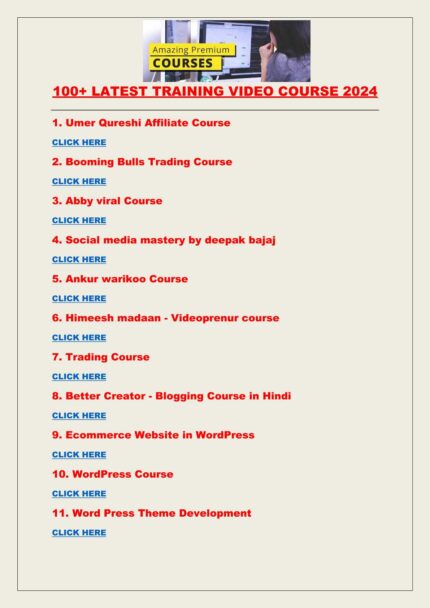
100+ Letest Training Video Courses
100+ लेटेस्ट ट्रेनिंग वीडियो कोर्सेस हिंदी में सीखने के लिए यह प्लेटफॉर्म एक बेहतरीन विकल्प है सभी कोर्स सरल भाषा में स्टेप बाय स्टेप समझाए गए हैं रिकॉर्डेड वीडियो लाइफटाइम एक्सेस के साथ मिलते हैं स्टूडेंट्स जॉब प्रोफेशनल्स और बिजनेस करने वालों के लिए उपयोगी कम कीमत में ज्यादा स्किल सीखने का शानदार मौका
DCA Course Complete Ebook For Computer Learners
यह DCA और ADCA छात्रों के लिए कम्प्लीट कंप्यूटर नोटबुक है। इसमें कंप्यूटर बेसिक के सभी अध्याय चित्र सहित, हिंदी और इंग्लिश दोनों भाषाओं में समझाए गए हैं। 772 पेज, मॉडल पेपर, प्रैक्टिस सेट और पर्याप्त होमवर्क के साथ यह पुस्तक DCA, ADCA, Bank, SSC और Railway छात्रों के लिए अत्यंत उपयोगी है।
लेखक: उदय चौहान, Managing Director – Education Care Computer Sansthan This is a complete computer notebook for DCA and ADCA students. All computer basics are explained with illustrations in both Hindi and English. With 772 pages, model papers, practice sets, and sufficient homework, this book is highly useful for DCA, ADCA, Bank, SSC, and Railway exam aspirants.
Written by Uday Chauhan, Managing Director – Education Care Computer Sansthan
लेखक: उदय चौहान, Managing Director – Education Care Computer Sansthan This is a complete computer notebook for DCA and ADCA students. All computer basics are explained with illustrations in both Hindi and English. With 772 pages, model papers, practice sets, and sufficient homework, this book is highly useful for DCA, ADCA, Bank, SSC, and Railway exam aspirants.
Written by Uday Chauhan, Managing Director – Education Care Computer Sansthan

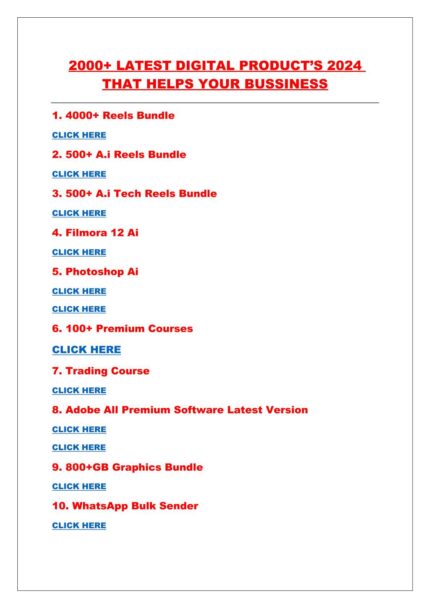
Digital Products File
2026 के डिजिटल उत्पादों और बोनस फाइल्स का पूरा रिव्यू:
अगर आप एक बिज़नेस मालिक हैं या एक डिजिटल क्रिएटर, तो इस 2026 के डिजिटल उत्पादों और बोनस फाइल्स का संग्रह आपके लिए एक बेहतरीन अवसर हो सकता है। इस संग्रह में 2000 से अधिक नवीनतम और उपयोगी डिजिटल उत्पाद शामिल हैं, जो आपके व्यवसाय को नया आयाम दे सकते हैं। यहाँ पर आपको ऐसी सामग्री मिलेगी जो आपके डिजिटल कार्यों को और अधिक प्रभावी और आसान बना सकती है।
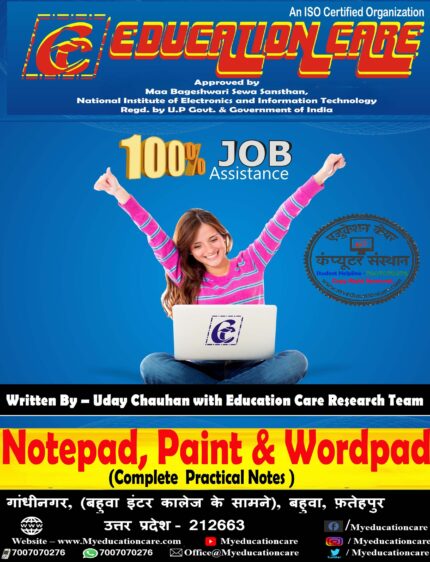
Microsoft Paint, Notepad & Wordpad.
📖 About This Book / इस किताब के बारे में
यह ईबुक विशेष रूप से कंप्यूटर सीखने वाले विद्यार्थियों के लिए तैयार की गई है। इसमें Microsoft Windows के तीन महत्वपूर्ण प्रोग्राम — Notepad, Paint और WordPad को आसान भाषा में समझाया गया है।
हर अध्याय में Step-by-Step Explanation, Images, और Practice Exercises दिए गए हैं ताकि छात्र खुद से प्रैक्टिस करके तुरंत सीख सकें।
Microsoft Publisher
🖥️📘 MS Publisher eBook (Basic to Advanced)
Education Care Computer Sansthan द्वारा प्रकाशित
🎨 Professional Designing अब आसान!
यह eBook उन विद्यार्थियों और शिक्षार्थियों के लिए बनाई गई है जो कंप्यूटर डिज़ाइनिंग में रुचि रखते हैं और MS Publisher का उपयोग करके आकर्षक Certificates, Posters, Flyers, Brochures, Cards और Magazines बनाना सीखना चाहते हैं।
Microsoft Word Notes
📌 संक्षिप्त विवरण (Short Description)
“ADCA (Advanced Diploma in Computer Application) ई-बुक” उदय चौहान और उनकी Education Care Research Team द्वारा तैयार की गई एक विशेष शिक्षण पुस्तक है। यह पुस्तक हिंदी और अंग्रेज़ी दोनों भाषाओं में उपलब्ध है तथा इसमें कंप्यूटर शिक्षा के सभी महत्वपूर्ण विषयों को सरल भाषा और चित्रों के माध्यम से समझाया गया है। विद्यार्थी इस पुस्तक से न केवल परीक्षा की तैयारी कर सकते हैं बल्कि व्यावहारिक जीवन और करियर में भी कंप्यूटर का सफलतापूर्वक उपयोग कर सकते हैं।
OMR Answer Sheet
🧾📘 OMR Answer Sheet eBook (Basic to Advanced)
Education Care Computer Sansthan द्वारा प्रकाशित
🖋️ अब सीखिए OMR Sheet Designing और Evaluation System एक ही eBook से!
यह eBook उन विद्यार्थियों, शिक्षकों और कंप्यूटर प्रशिक्षकों के लिए तैयार की गई है जो OMR (Optical Mark Recognition) तकनीक को समझना, उसकी शीट डिजाइन करना और स्कैनिंग प्रोसेस सीखना चाहते हैं।
इसमें OMR शीट के निर्माण से लेकर उसके विश्लेषण तक का पूरा प्रोसेस Step-by-Step हिंदी में समझाया गया है।


educationcareofficial –
Very best book for CCC exam new pattern.This also valuable for computer students.
Uday Chauhan (verified owner) –
best book in hindi for ccc course.